Working Down
Working Up
Working Down
Working Up
Working Down
Working Up

How-to Guide for the Roof Metrics Sheet Cutting App
Effortless sheet cutting and angle calculation for roofing projects
Introduction
Getting your roof cuts right is essential if you want clean angles, minimal waste, and no mucking around on site. The Roof Metrics sheet cutting app is designed to simplify this process and help you calculate hip, valley, and cladding cuts in seconds – no trig tables or guesswork required.
This guide walks you through how to use the tools, what to enter, and how to get the most out of each feature to ensure your roofing tasks are completed efficiently and accurately.
Before you start
Before getting started with the app, make sure you’ve got:
A clear understanding of your roofing requirements
Measurements for the sheets and the angles you need to cut
The tools necessary for marking and cutting your materials
Understanding the sheet cutting calculator
The sheet cutting calculator is the core feature of the app. It helps you work out angles and lengths for different roof sections like hips and valleys.
Here’s how it works:
- Enter Pitch: Enter the roof pitch for your job.
- Select Sheet Cover: Select your sheet cover from the dropdown menu. If you have a custom-sized sheet, select "Custom" from the dropdown and enter the width in the box provided.
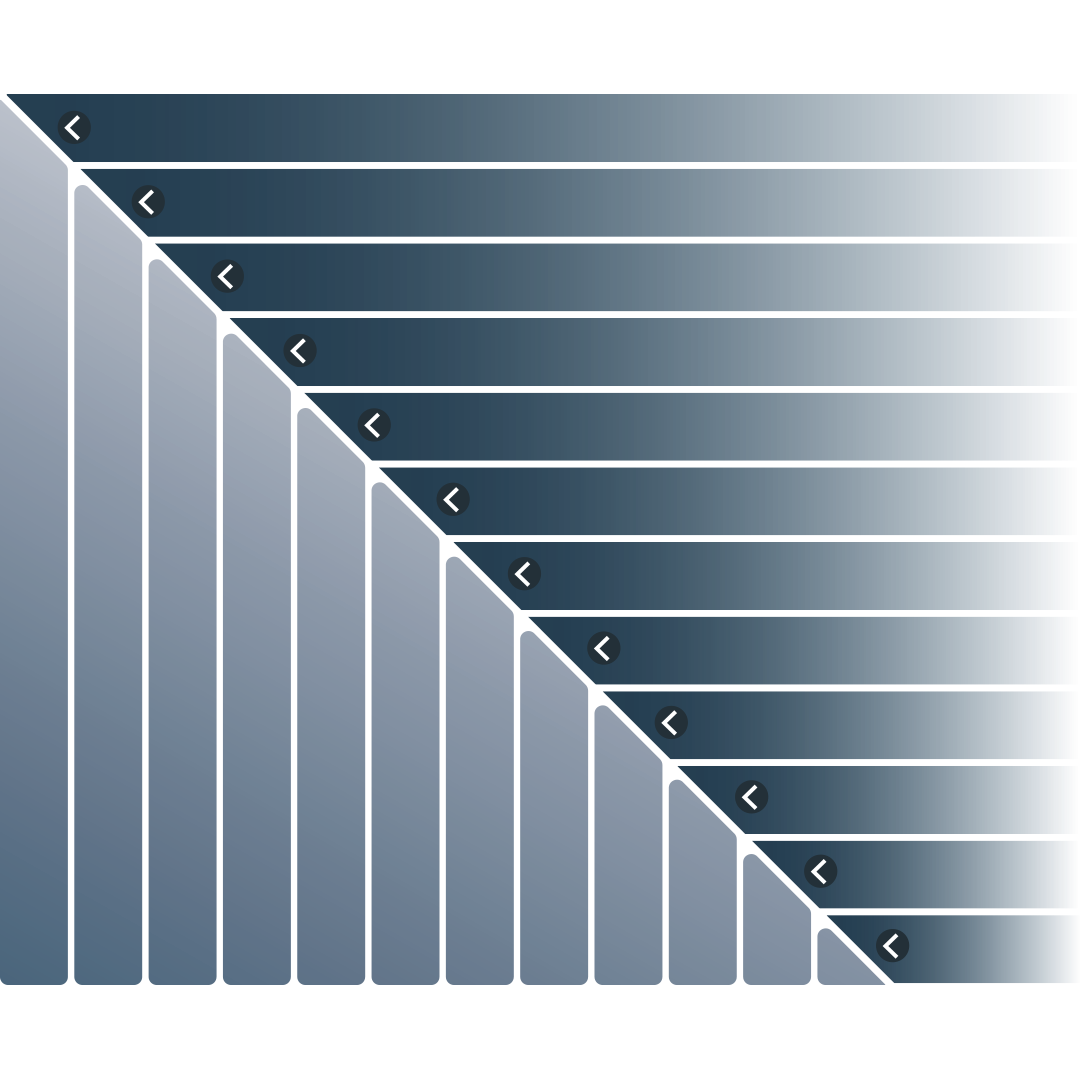
- Enter Sheet Measurements: Enter measurements for either the long or short side of the shape, depending which direction you’re working. The app will calculate and prefill all the cuts required for both ways — up the slope and down the slope.
Mark Completed Cuts: As you cut, use the handy app checklist to mark completed sheets. This feature keeps track of your progress and ensures you don’t miss any cuts. After marking the cut as done, move on to the next sheet.
Cladding Cut Calculator
The cladding calculator works just like the roof sheet calculator, but is designed specifically for vertical cladding. It’s especially handy for tricky designs where you need both vertical and horizontal cuts.
It works out the measurements for wall sheets that need careful cutting – especially when there’s a roof pitch at the top or when sheets run across a sloped roof. Whether you’re cutting straight down the wall or across a sloping section, the calculator makes sure the sizes are accurate and suit your job.
Bastard Hip Valley Calculator
This one’s made for the trickier jobs – like when the pitches on either side of a hip are different or you’re dealing with odd angles (think bay windows and custom corners). It uses trigonometric calculations to handle complex angles, helping you get accurate cuts even when the layout isn’t standard. It’s especially helpful on reroofing projects with hand-pitched roofs, where the original lines may not be perfect.
Just make sure your pitch measurements are as accurate as possible - to the decimal. Even small errors can throw things out. We recommend using a long straight edge and a digital level to double-check, especially on saggy rafters.
Across-to-Hip or Valley Calculator
This one's super handy when you’ve already got a measurement across and need to work out the side going up to the hip or valley. Just plug in that one number and the app immediately provides the corresponding side measurement going up.
It’s especially useful when you're about to hit a change in angle – like starting into a valley or turning sheets into a Hip. You’ll get the right side measurement straight away, no guesswork needed.
Because it links in with the Bastard Hip Valley Calculator, it’s great for tricky jobs with uneven pitches or unusual layouts. Whether the angles are clean or complex, this tool keeps things accurate and easy to manage.
Roof Angle Bevel
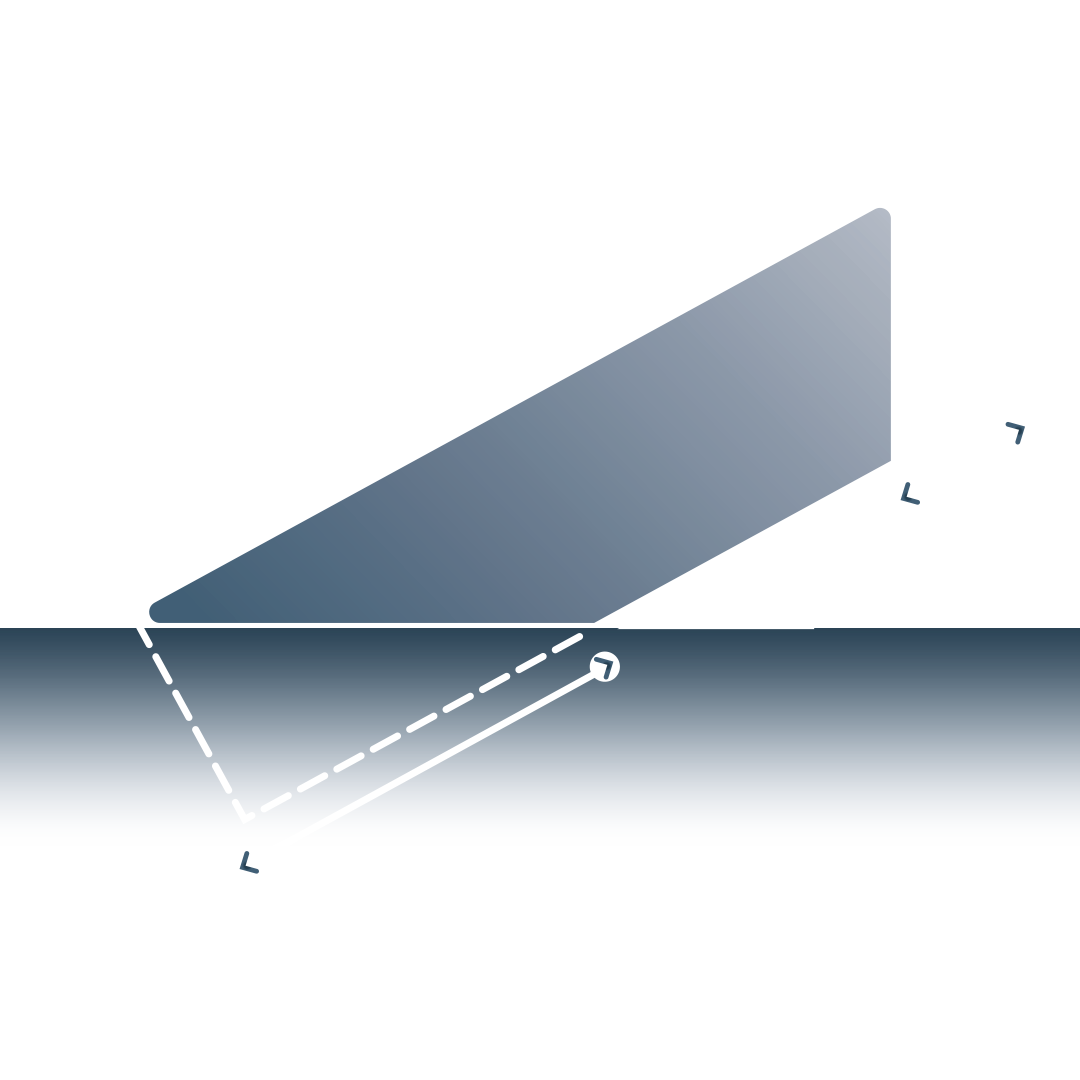
If you don’t have a folding bevel on hand, you can still figure out your cuts using basic measurements. Just use the roof pitch and the width of your material to work out the seat or plumb cut.
The app includes a simple trigonometry calculator that does this for you – saving you the hassle of doing the maths or guessing the angle. It's a quick and easy way to get precise results with the tools you’ve already got.
Roof Sheet Length
If you are waiting on the delivery of roof trusses, need to drive hours for a measure up, or just need to plan ahead, this calculator enables you to do that. It's a quick and easy way to measure sheet lengths using the working drawings on hand. While we would always reccomend a site visit where avalible, this is often a hard task, and we have used this calculator to get us out of trouble many times when needing a roof delivered in a hurry.
Precision in hips and valleys
One particularly useful feature of the app the ability to pre-cut all hips and valleys from a single measurement. This streamlines the process and eliminates the need for multiple calculations, saving time and reducing errors.
Tips for efficient use
Here are some handy tips to help you make the most of the app:
Double-check your measurements: Even small mistakes in pitch or sheet size can affect your cuts. For example, the roof pitch of an existing roof may vary side to side, so we would then go to our bastard cutting calculator.
Work methodically: Go step-by-step and complete cuts in the same order as the app to avoid mistakes or wasted materials.
Use quality tools: A clean cut starts with the right gear – sharp blades make a big difference. Ensure your cutting tools are sharp and well-maintained for precise results.
Check the plans: Cross-check your results with site drawings/roofing plans to make sure everything lines up.
Benefits of using the sheet cutting app
Save time, stress, and money and let the app handle the hard stuff!
Time-saving: Streamlines the cutting process, saving time and effort. No more manual maths or trial and error – the app does it all.
Accurate: Reduces human error and provides exact angles and cuts, even on tricky sections.
Versatile: Works with both standard and custom sheet sizes for various roofing projects.
Easy to use: The simple, intuitive interface is easy to use and suitable for professionals and DIY enthusiasts alike.
Conclusion
The Roof Metrics sheet cutting app is an invaluable tool for roofing projects. By simplifying the calculation and cutting process, it helps you work more accurately and efficiently, so you can get the job done with confidence - whether you’re a seasoned roofer or a DIY enthusiast.
From hips and valleys to wall cladding and odd angles, get your cuts right the first time. Follow the guide, plug in your details, and let the app do the rest – so you can finish faster, waste less, and get better results every time.
Disclaimer
The Roof Metrics sheet cutting app incorporates advanced trigonometry calculators to assist users in their roofing projects. However, the app does not take responsibility for any human error, misinterpretation of its calculations, or inaccuracies resulting from improper use. Users are solely responsible for ensuring their level of skill and knowledge aligns with the app's functionalities. The creators of the app do not accept liability for outcomes that stem from user handling or technical application.